Archiver.
Save a video, keep it after it's gone.
Bookmarking a video saves a link, and a link is worthless the day the video comes down. I wanted the file itself somewhere I already keep things I care about, so this puts the video into a Notion database alongside its metadata.
Saving a video is the whole interaction
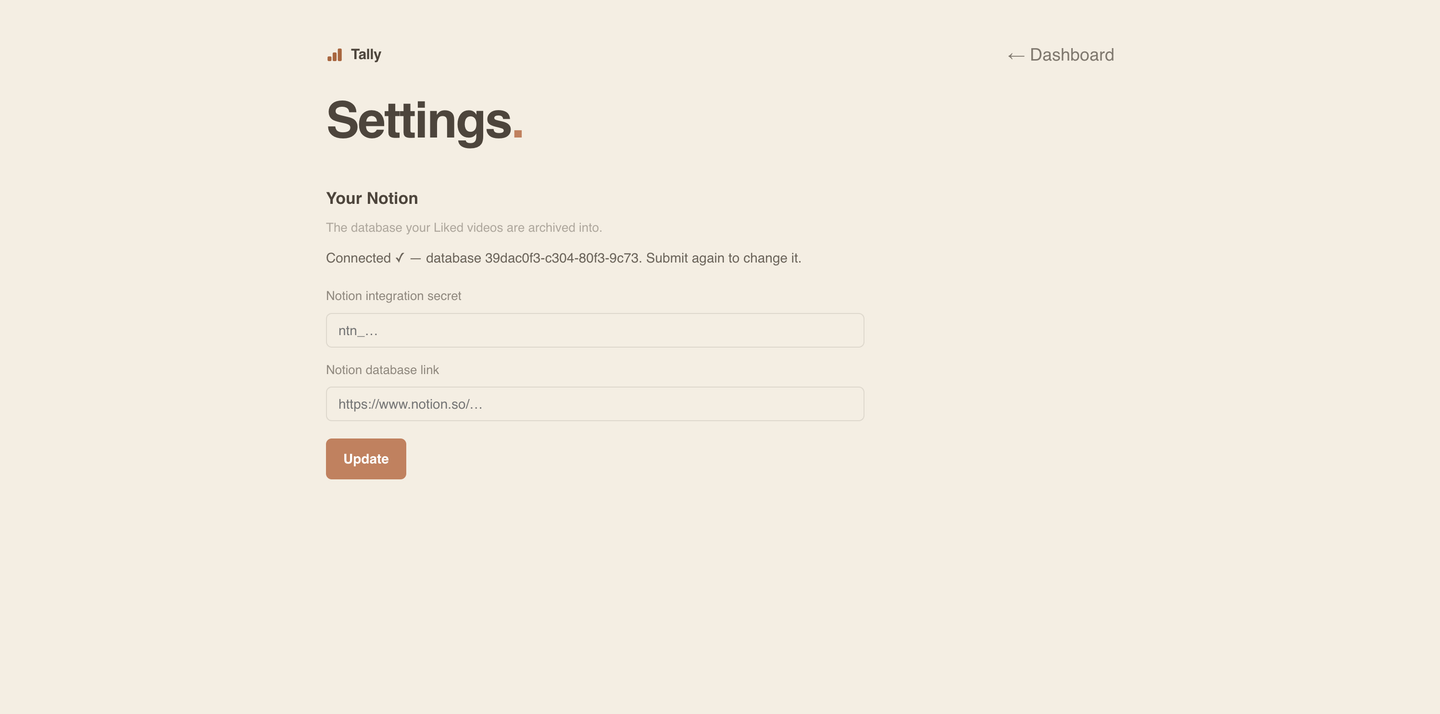
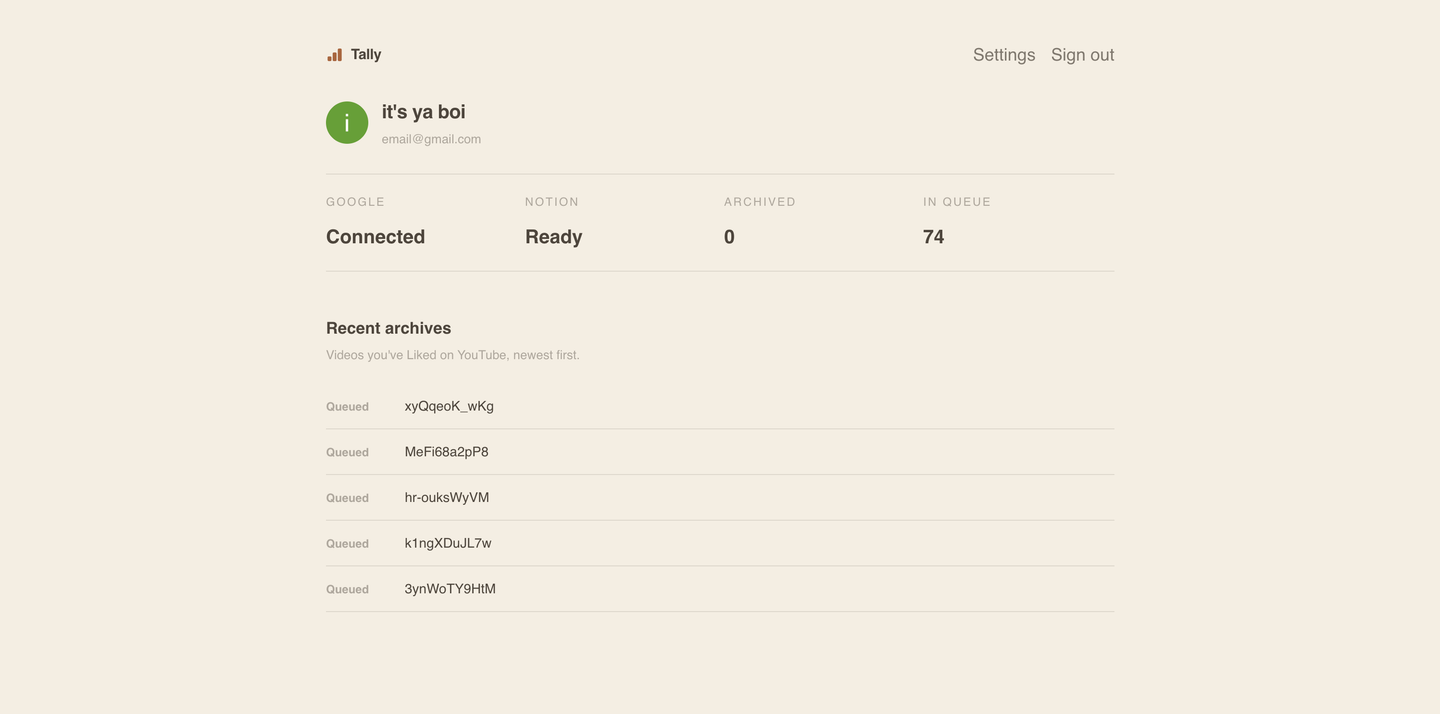
Sign in with Google and connect a Notion database once. After that, saving a video to a playlist is the trigger, which means it works from a phone, a laptop, or a TV without a browser extension or anything installed.
The file, not just a link
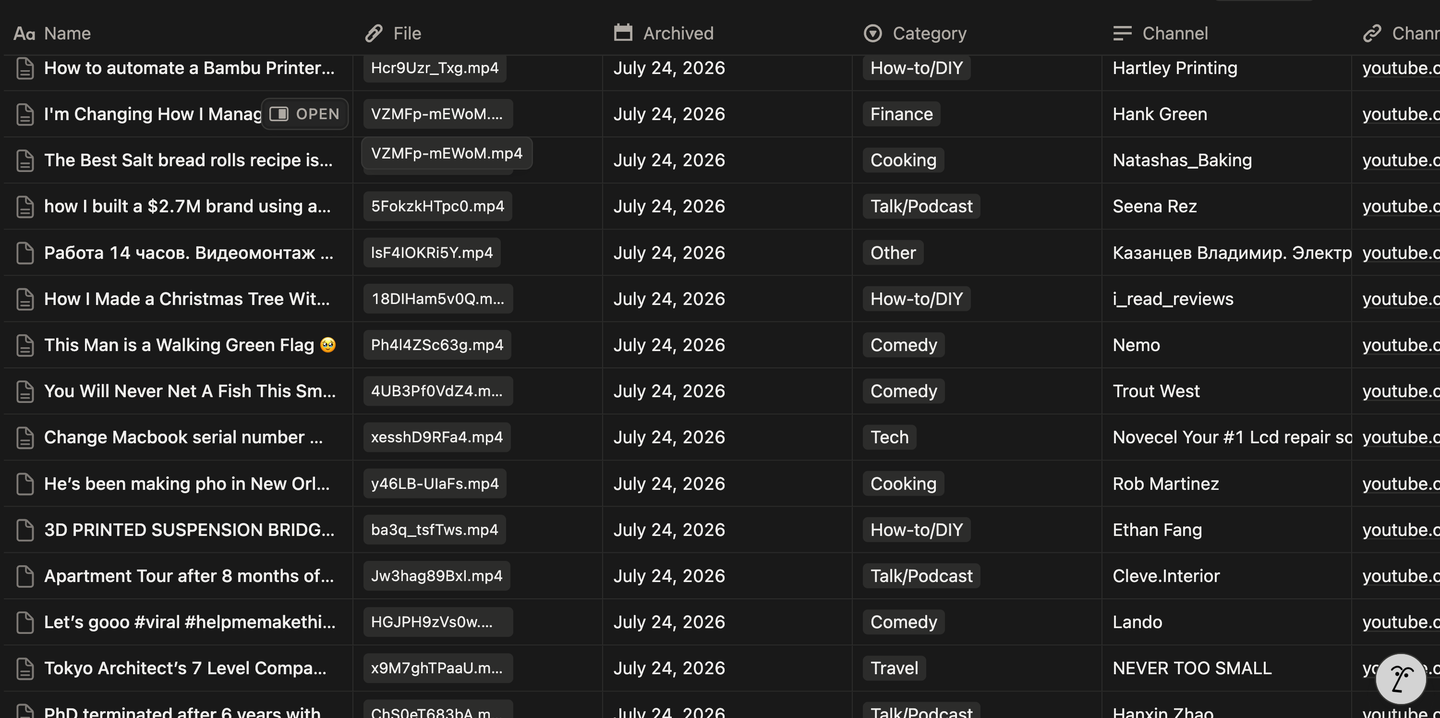
The video is downloaded at the best resolution that still fits under Notion's file size cap, then uploaded and filed as a row with its metadata. The archive keeps working after the original is taken down, which is the entire point.
A front door and a worker
Downloading a multi-gigabyte video and muxing it was never going to survive a serverless function's time limit and disposable disk. So the portal only collects credentials, a persistent worker does the actual downloading, and a Postgres database sits between them as the queue and the ledger.
Everyone lands in their own Notion
Credentials are stored per user and encrypted, and each person's videos are archived into the database they connected. Nothing is pooled into a shared archive.